

Mission display settings
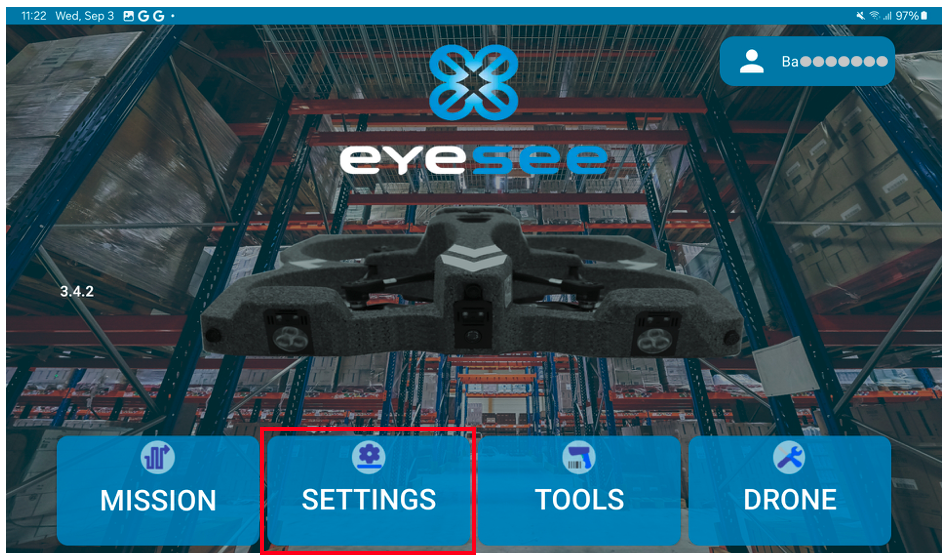
From the main screen, click on Settings:
Then click on Mission Display Settings:
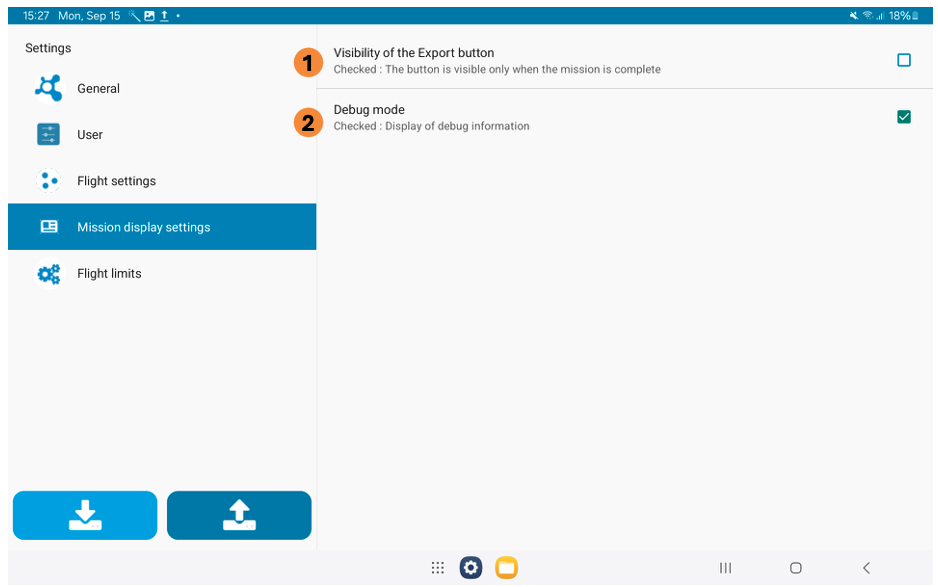
1. Visibility of the Export button
Allows the option to upload a partially completed mission to EYESEE Cloud
2. Debug mode
If this option is checked: additional information is displayed when viewing the mission from the tablet (recommended in case of expectations).
Example of a 2D representation of a mission:


