

Update the drone or its settings
To update the drone and its settings, you can set up in an office.
-
Turn on the drone, the Wi-Fi router, and the tablet (as if starting a flight).
-
Once the red scanners are on, click on the Drones menu.
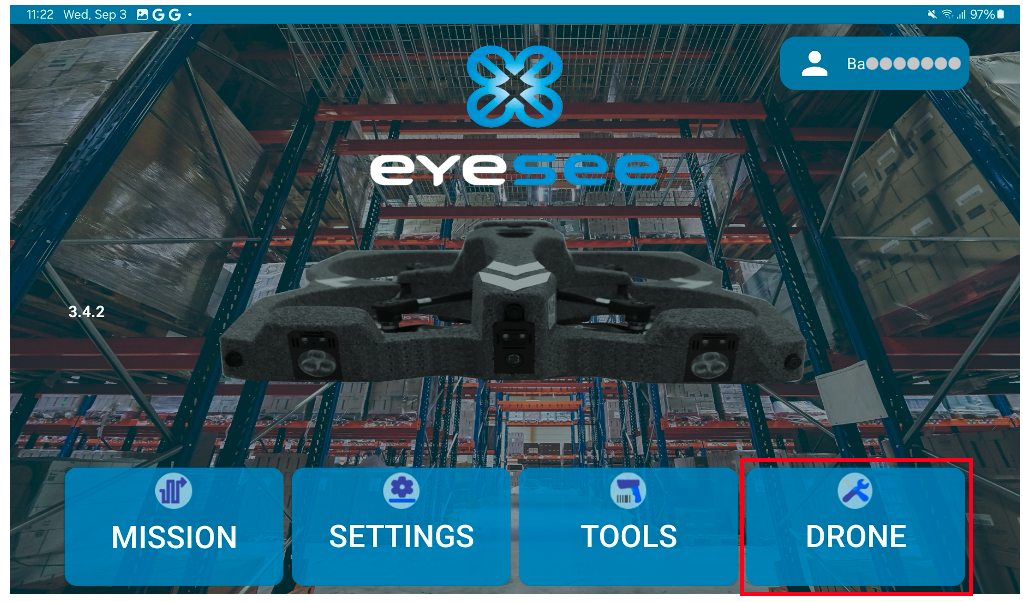
If the drone is not connected, a message will appear:
![Screenshot_20250916_135145_Eyesee[1]](https://eyesee-help.com/wp-content/uploads/2026/07/Screenshot_20250916_135145_Eyesee1.jpg)
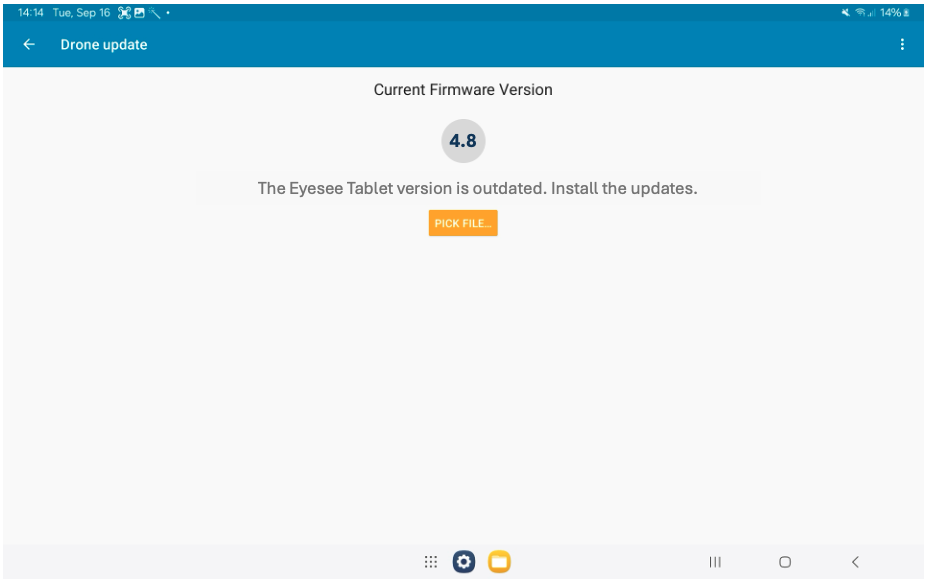
3. If the drone needs to be updated, this screen will appear:
4. Once the update is complete, turn off the drone and the Wi-Fi router, as well as the tablet if you no longer need it.


